
Design and specifications are subject to change.
{NUM}
{OVERLINE}
{TITLE}
{PARAGRAPH}
{FEATURE_ICON}
{FEATURE_TITLE}
{FEATURE_DESC}


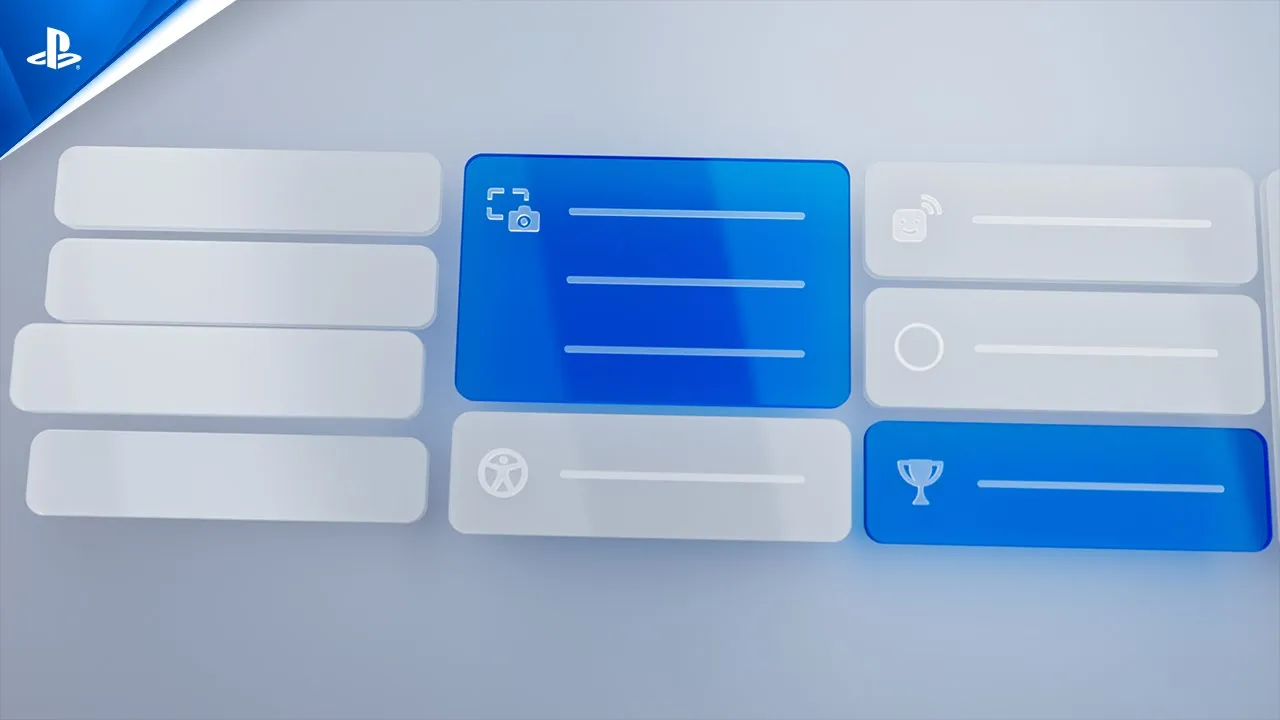

Customize your PS5 console’s Welcome hub, so you can get information at a glance before every gaming session.
Use presets to change your layout quickly and easily. Choose from a variety of widgets, and arrange them however you like. These widgets can be expanded or made smaller, if you want to focus on certain features.
You can also customize your Welcome hub’s background. Choose your favorite design or animated effect, or pick a screenshot from your Media Gallery.


Jump straight into specific missions, modes, and more, straight from your PS5 console’s Control Center.

Take on special in-game challenges in supported games, and share your results with your friends on PS5 to see if they can do better. If a friend beats your high score or time, you’ll be sent a notification – and get a chance to beat them right back.

Quickly access frequently used system features, game content, and activities without leaving your gameplay. Simply press the PS button while playing to see the Control Center overlay.

Organize your game collection into personalized Gamelists. Group your favorite disc, digital, or streaming titles together in lists that you can name and access via the Your Collection tab in your game library.

Access tips and hints to assist you in supported PS5 games1. Watch helpful videos on-console or on PlayStation®App to help you get to grips with whatever you’re playing. Simply select Hints on the card of your current game to view tips for various objectives2.
Enjoy helping other players? If you choose to contributeto Community Game Help3, your gameplay will be automatically captured at specific in-game moments, and used to show others how to complete various objectives. You won’t need to manually capture, edit or upload these videos; simply opt in and your video can be selected and published as part of Community Game Help4.
1Account for PlayStation and internet connection required.
2There will be a limited number of titles supporting this feature at launch.
3Contributing to Community Game Help is limited to adult accounts.
4If you use a webcam, this footage will not be captured or uploaded; the same applies to any microphone activity, as well as Party chat.


Access a dedicated hangout space for you and other players. Share content, plan play sessions, jump into games, or just catch up. You can also access some features on the web and on mobile devices with PlayStation App.

Watch your friends in action by having them share their screen with you. You can even set up multiple screens, so you can play your game while checking out what your friend is doing at the same time.

Seamlessly invite other PS5 players to join your multiplayer session by generating a shareable link. Create a QR code and web URL, which can be sent to friends over social media. When they follow the link, their PS5 console will wake up from Rest mode and launch the game.

Extend your player connections and share your profile online through third party messaging apps or social media platforms. Add new players to your friends list, even when you’re away from your PS5 console.

Set up a regular Game Base party, and use it to initiate multiplayer matches. This will launch the game and invite everyone in the party, with no need to send individual invitations.¹

Create screenshots and videos from your gameplay, then share them with other players, or on select social media apps.

Use the console’s Control Center to jump straight into specific missions, modes, quests, and more for select games.¹

Discover organized contests that cater to a range of skill levels. Watch the best of the best go head to head, or join in yourself and compete for digital and real-world prizes*.

Chat with friends, get the latest gaming news, and download games to your console from PlayStation Store by using PlayStation App. You can even manage your PS5 console storage remotely, so you’ll always be ready for your next gaming adventure². Click to learn more


Stay informed about and involved in your kids’ gameplay by managing playtime, spending, messaging and more with the free PlayStation Family app. Click to learn more.


Access your games by streaming them to another device, such as another PS5 console, a PS4 console, PlayStation Portal™ Remote Player PC, Apple iOS or Android phone³.


Experience 1440p output to compatible PC monitors and TVs.* Enjoy the crisp visual performance of games that natively support 1440p resolution. If you’re playing a game with a higher native resolution (such as 4K), you may benefit from improved anti-aliasing through supersampling down to 1440p output. *1440p video output on PS5 requires a TV or PC monitor that supports 1440p/60Hz, or 1440p/60Hz and 120Hz.

Experience immersive virtual surround sound with 3D Audio support for your TV. Tempest 3D AudioTech is accessible directly from your built-in TV speakers when you’re playing games and watching videos on your PS5 console.

You can enhance the visual performance of compatible PlayStation®5 games by enabling Variable Refresh Rate (VRR) on your PS5 console. This allows your PS5 console to sync the refresh rate of your display to the PS5 console’s graphical output on HDMI 2.1 VRR-compatible TVs and PC monitors. Results may vary depending on the TV you’re using and game you’re playing.

Enjoy smooth gameplay with reduced lag on your PlayStation 5 console with Auto Low Latency Mode (ALLM). With this feature, your PS5 console sends a signal to your TV when you’re playing, so you can get an even better gaming experience. ALLM is only available on compatible TVs with HDMI 2.1 and might also be referred to as Game Mode in the TV’s settings.


Discover some of the games, features and experiences that unite PS4 and PS5 consoles, and how the power of PlayStation®5 lets you push the boundaries of play.
Discover some of the games, features and experiences that unite PS4 and PS5 consoles, and how the power of PlayStation®5 lets you push the boundaries of play.
Enter your date of birth.
