
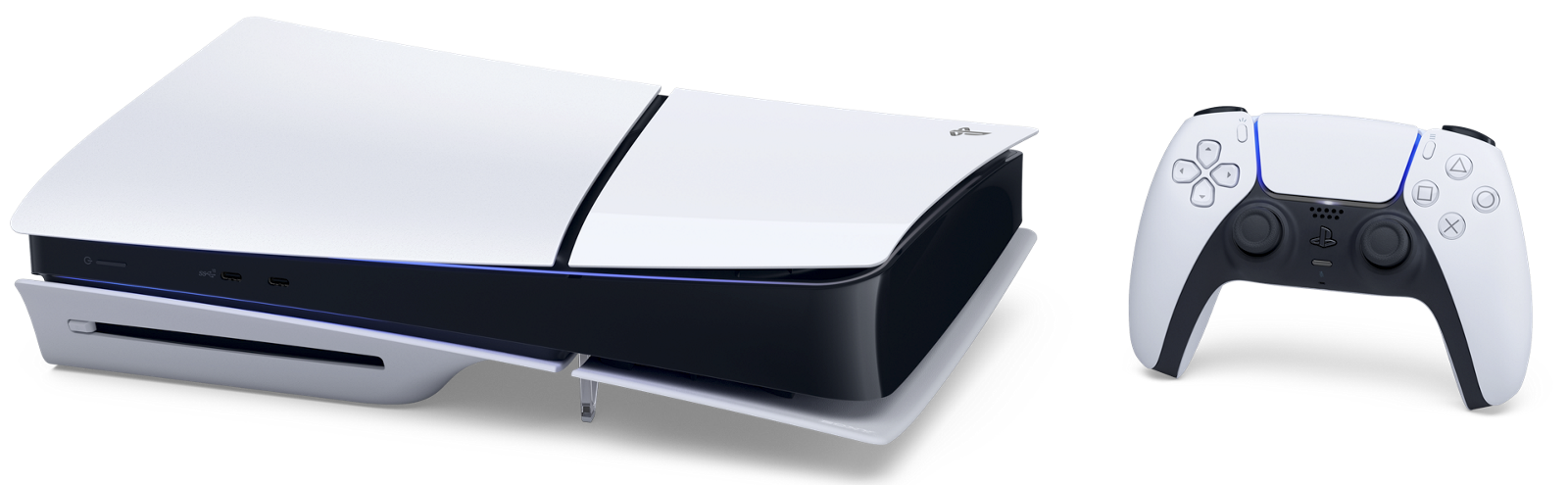
PS5® console (CFI-2000 model group – slim) is now available in select countries and will continue to become available globally.
Vertical stand sold separately.




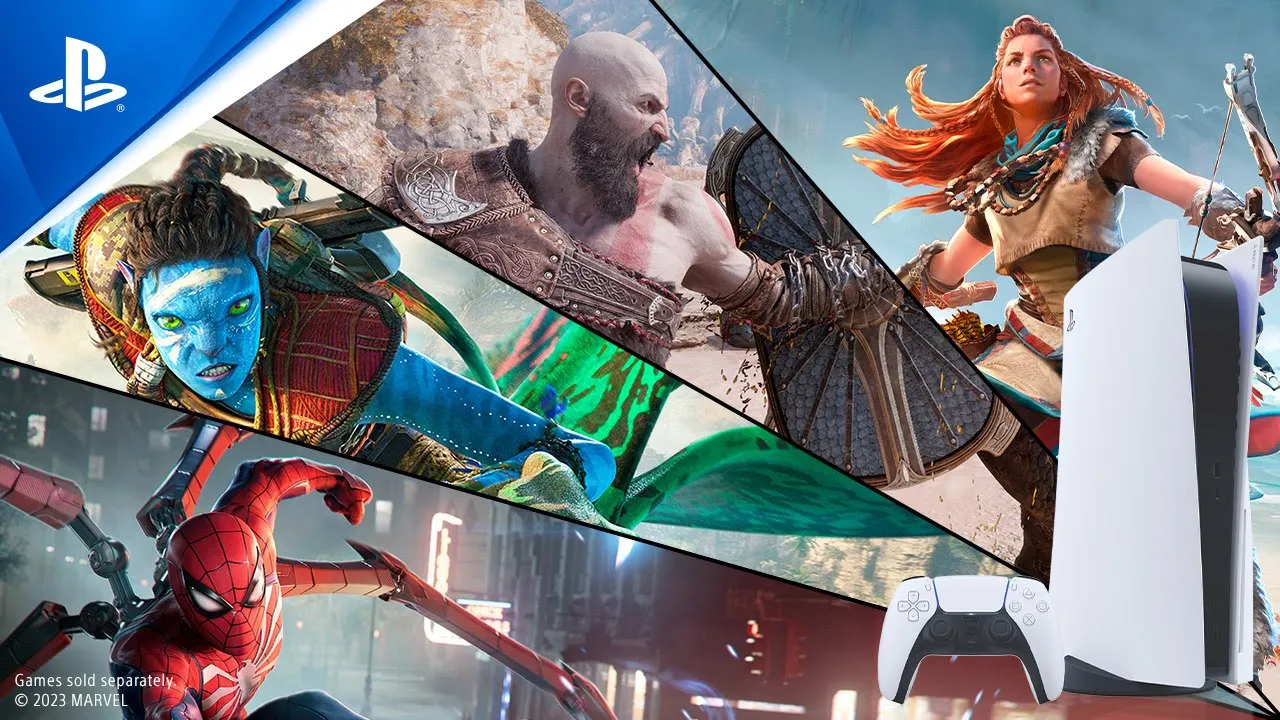
Feel It Now

God of War Ragnarök - Next Gen Immersion

Experience PS5

PS5 hardware trailer
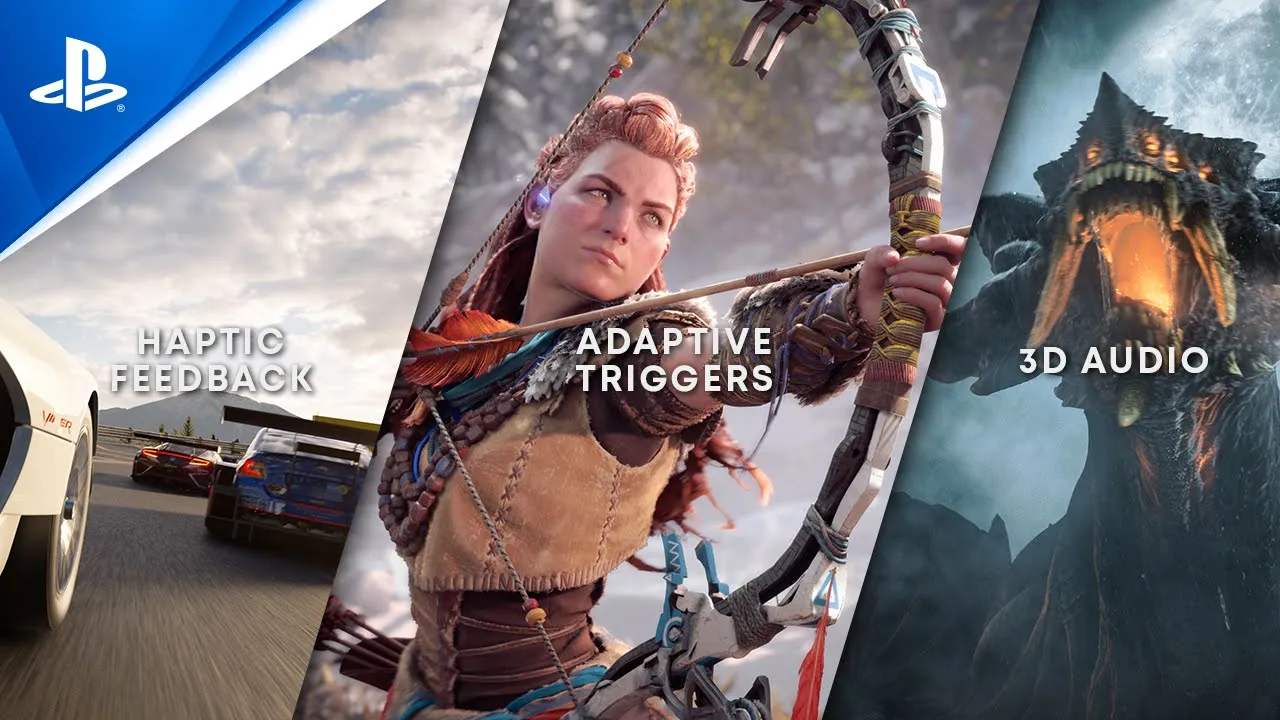
Breathtaking immersion
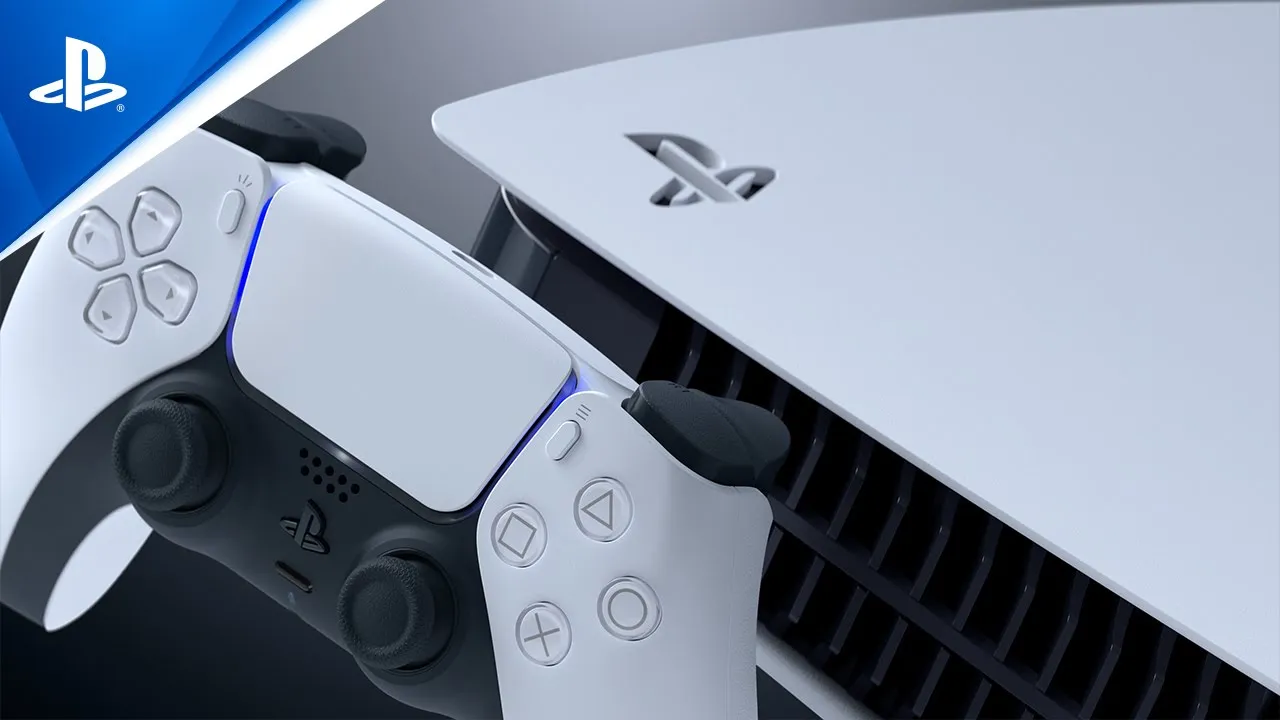
Backwards compatibility

Stunning visuals


© 2021 MARVEL
© 2021 Sony Interactive Entertainment LLC
Developed by Insomniac Games, Inc
1. Available when feature is supported by game.
2. Playing PS VR games on a PS5™ console requires a PS VR headset, PlayStation®Camera for PS4™ (Model CUH-ZEY1 or CUH-ZEY2) and a PlayStation®Camera adapter (no purchase required. Visit playstation.com/camera-adaptor for details). For the best PS VR experience on PS5, we recommend using a DUALSHOCK®4 wireless controller. Selected games may require PlayStation®Move motion controllers or be compatible with the PlayStation®VR aim controller. The new HD camera for PS5 is not compatible with PS VR. The PS VR headset, PS Camera, DUALSHOCK 4 wireless controller, PS Move controllers and PS VR aim controller are all sold separately from PS5 console.
3. PlayStation Plus subscription fees recur until canceled. Age restrictions apply. Full terms: www.playstation.com/legal/ps-plus-usage-terms. See playstation.com/psplus for details and updates on PS Plus offerings.
4. Upgrade may be offered at no additional cost or for a fee and may be available for a limited time. To upgrade eligible PS4 disc titles to digital PS5 versions, you need a PS5™ console with a disc drive.Streaming services may require paid subscription and may not be available in all countries. Internet and account for PlayStation™Network required. SIEE: Streaming services may require paid subscription and not be available in all countries. Internet and account for PlayStation™Network required. Account holders must be 7+, under 18s require parental consent. Full terms apply: playstation.com/PSNTerms.
“PlayStation”, “PlayStation Family Mark", “PS5 logo”, "DualSense" and "Play Has No Limits" are registered trademarks or trademarks of Sony Interactive Entertainment Inc. “SONY” is a registered trademark of Sony Corporation
Enter your date of birth.
